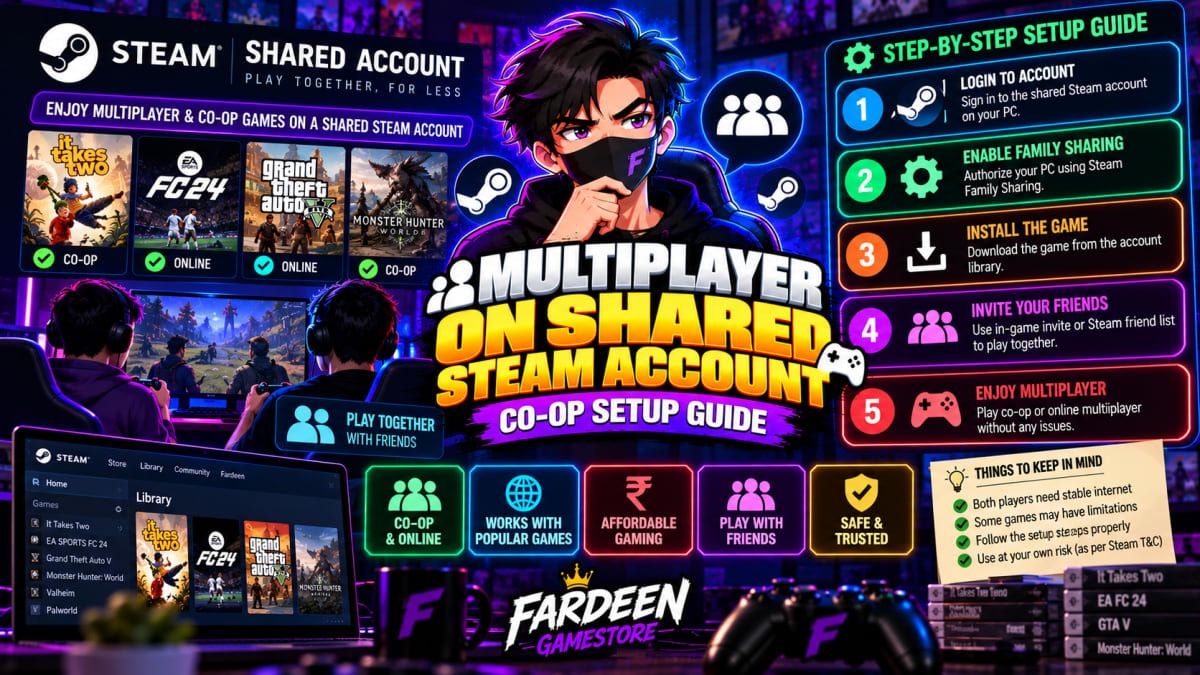
Multiplayer on Shared Steam Account: Co-Op Setup Guide
Learn how multiplayer on shared steam account setups work for co-op games. See offline LAN options, Remote Play Together, and full access accounts.
Multiplayer on Shared Steam Account: Co-Op Setup Guide
Playing multiplayer on shared steam account setups is a common goal for budget PC gamers. Many players want to enjoy co-op titles with friends without paying full retail store prices. However, shared game accounts work under specific rules. In this guide, we explain how multiplayer functions on budget accounts. We also show proven ways to play co-op games safely with your friends.
Can you play multiplayer on shared steam account setups?
The short answer depends on the type of game and connection mode. Specifically, budget accounts fall into two main categories: offline accounts and full online accounts.
First, standard offline accounts are built for single-player games. On these accounts, multiple users play disconnected from the internet. If two players log into official online servers at the same time, Steam disconnects one user. Therefore, official server matchmaking does not work on offline accounts.
However, players can still enjoy co-op through smart built-in features. For example, local split-screen, LAN gaming, and Steam Remote Play let you play together easily. In addition, you can browse cheap Steam games to find co-op titles that support these methods.
Method 1: Steam Remote Play Together (Best for 2 Players)
The easiest way to play co-op is using Steam Remote Play Together. In fact, this official feature lets you stream your game to friends over the web.
The best part is that only one person needs to own the game. Your friends do not need to buy or download the game at all. Follow these quick steps to set it up:
- First, start the game: Launch a supported co-op title like It Takes Two or Overcooked.
- Second, open your friends list: Press Shift + Tab to open the Steam overlay.
- Third, invite your friend: Right-click your friend's name and pick Remote Play Together.
- Finally, start playing: Your friend connects instantly using a controller or keyboard.
Therefore, you can enjoy two-player story campaigns together while only buying a single game copy.
Method 2: Virtual LAN gaming for multiplayer on shared steam account
Another popular option for multiplayer on shared steam account setups is virtual LAN gaming. Many classic PC games allow direct network connections without touching central game servers.
For instance, titles like Borderlands 2, Left 4 Dead 2, and Terraria support LAN play. To connect with friends in different houses, follow these steps:
- Install a free LAN tool: Download tools like Radmin VPN or ZeroTier on both PCs.
- Create a private room: Create a secure gaming room and share the room name with your friend.
- Switch Steam to offline: Keep your Steam client in Offline Mode to prevent login conflicts.
- Join via local IP: Open the game, click LAN game, and enter your friend's virtual IP address.
Consequently, you get smooth co-op gameplay with zero risk of account kicks.
Method 3: Shared screen and split-screen co-op
If your friends visit your home, split-screen gaming is the simplest choice. In fact, many great games offer native same-screen multiplayer.
For example, you can connect two USB gamepads to your PC or laptop. Then, plug your PC into a TV using an HDMI cable. Games like Cuphead, A Way Out, and Rocket League work smoothly offline. For more cheap recommendations, check our list of great story games under ₹250.
Top co-op games that work great on budget setups
To help you get started, here are five proven co-op titles that work smoothly with shared setups:
- First, It Takes Two: Award-winning two-player puzzle adventure. Works seamlessly via Steam Remote Play.
- Second, A Way Out: Story-driven prison escape game built specifically for two friends on split-screen.
- Third, Portal 2: Classic puzzle test chamber co-op with native local and offline network support.
- Next, Left 4 Dead 2: Zombie horde shooter that runs on any basic PC and supports virtual LAN rooms.
- Finally, Cuphead: Fast boss-rush platformer that offers intense couch co-op for two gamepads.
Furthermore, all these titles cost under ₹150 on budget platforms, making fun gaming very affordable.
When do you need a full access online account?
While offline co-op works well for story games, some titles require central servers. Specifically, you need a full access online account for:
- Competitive shooters: Games like Counter-Strike 2, Valorant, or Rainbow Six Siege.
- MMO titles: Massive online worlds that require continuous server sync.
- Official ranked modes: Ranked matchmaking in sports or racing games.
In contrast to offline accounts, full access accounts give you exclusive ownership. You receive original email access and can change all passwords. For payment guidance, read our tutorial on how to buy cheap Steam games with UPI.
Comparison: Co-op options for multiplayer on shared steam account
To help you choose the right setup, here is a quick comparison table:
| Co-Op Method | Required Internet | Number of Copies Needed | Best For |
|---|---|---|---|
| Steam Remote Play | Stable broadband | Only 1 copy needed | Two-player story games |
| Virtual LAN (VPN) | Basic connection | 1 shared copy per PC | Classic shooters and RPGs |
| Split-Screen (Local) | Zero internet needed | 1 copy on 1 PC | Party games and couch co-op |
| Full Online Account | Active connection | 1 account per player | Competitive multiplayer |
Therefore, you do not need to spend thousands of rupees just to play with a friend. In fact, most story campaigns work great with free sharing tools. For setup basics, read our Steam offline activation guide.
Frequently asked questions
In addition, gamers often ask a few recurring questions about shared multiplayer gaming:
Can two people play the same game at once? Yes, if you use Steam Remote Play or play in Offline Mode on separate PCs. However, you cannot join the same official online server simultaneously on a shared account.
Will my personal account get banned? No, your personal Steam profile remains completely safe. Because the shared game runs on a separate login, your main account faces zero risk.
Do virtual LAN tools lag? In fact, tools like Radmin VPN offer very low latency when players live in the same country. Therefore, Indian gamers experience smooth frame rates.
Final verdict: Best way to play co-op on budget accounts
To summarize, playing multiplayer on shared steam account setups is easy once you pick the right method. For narrative co-op games, Steam Remote Play Together offers the best balance of simplicity and zero extra cost. For classic PC titles, virtual LAN tools provide endless hours of fun.
Overall, smart gaming methods allow you and your friends to enjoy top games without overspending. For a full market overview, read our complete guide to cheap Steam games in India.
Buy Top PC & Steam Games from ₹49
Instant delivery via UPI, lifetime replacement warranty, and 24/7 WhatsApp gamer support. Get 70–90% off standard Steam prices.
Related Articles
 Steam Guides
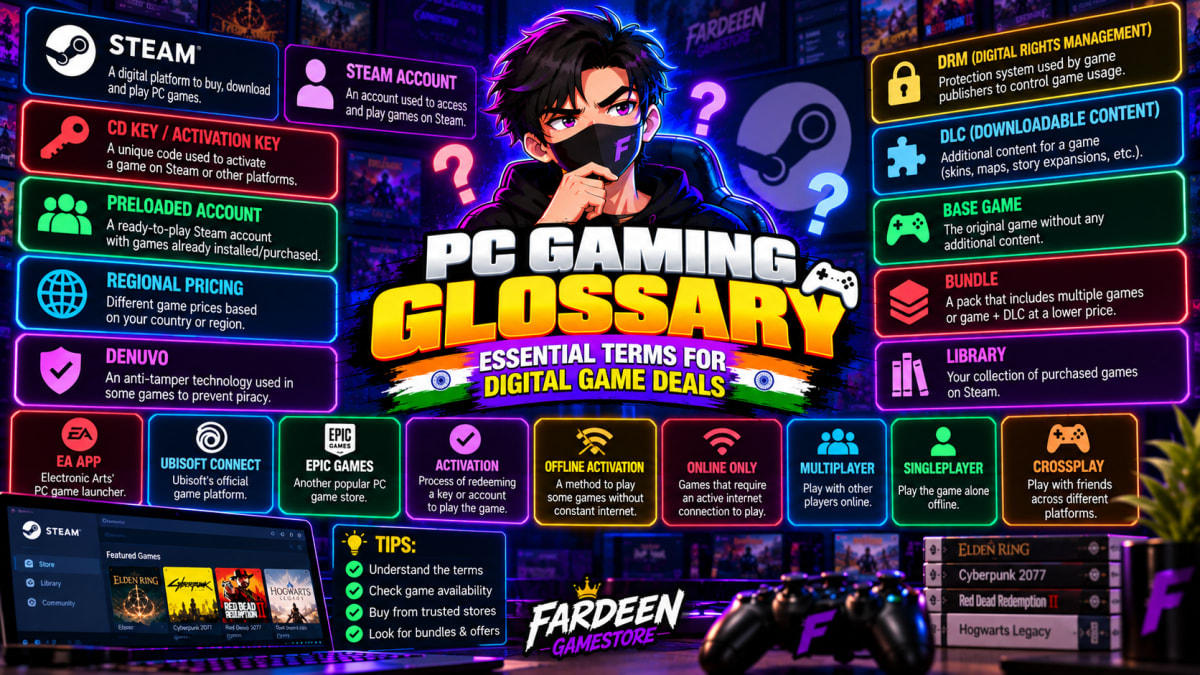
PC Gaming Glossary: Essential Terms for Digital Game Deals
A complete PC gaming glossary explaining DRM, offline activation, CD keys, and Steam Guard so Indian gamers can buy digital game deals with confidence.
 Steam Guides
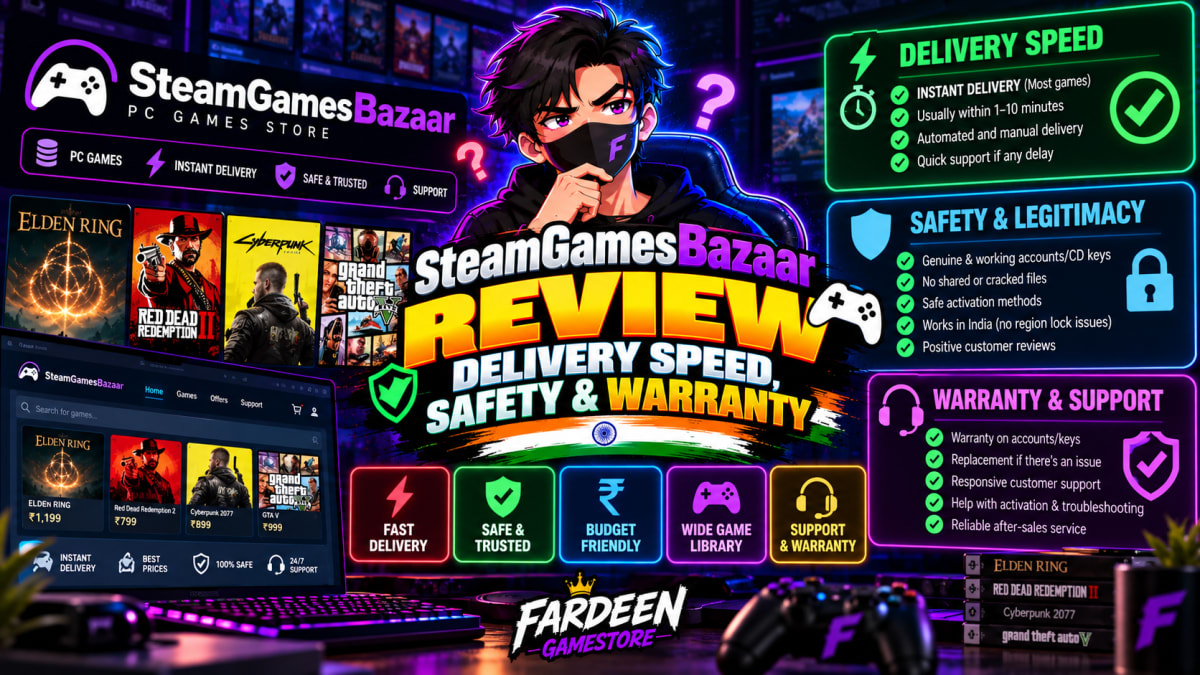
SteamGamesBazaar Review: Delivery Speed, Safety & Warranty
An honest SteamGamesBazaar review covering delivery speed, account safety, refund policy, and customer warranty for Indian PC gamers looking for budget deals.
 Steam Guides
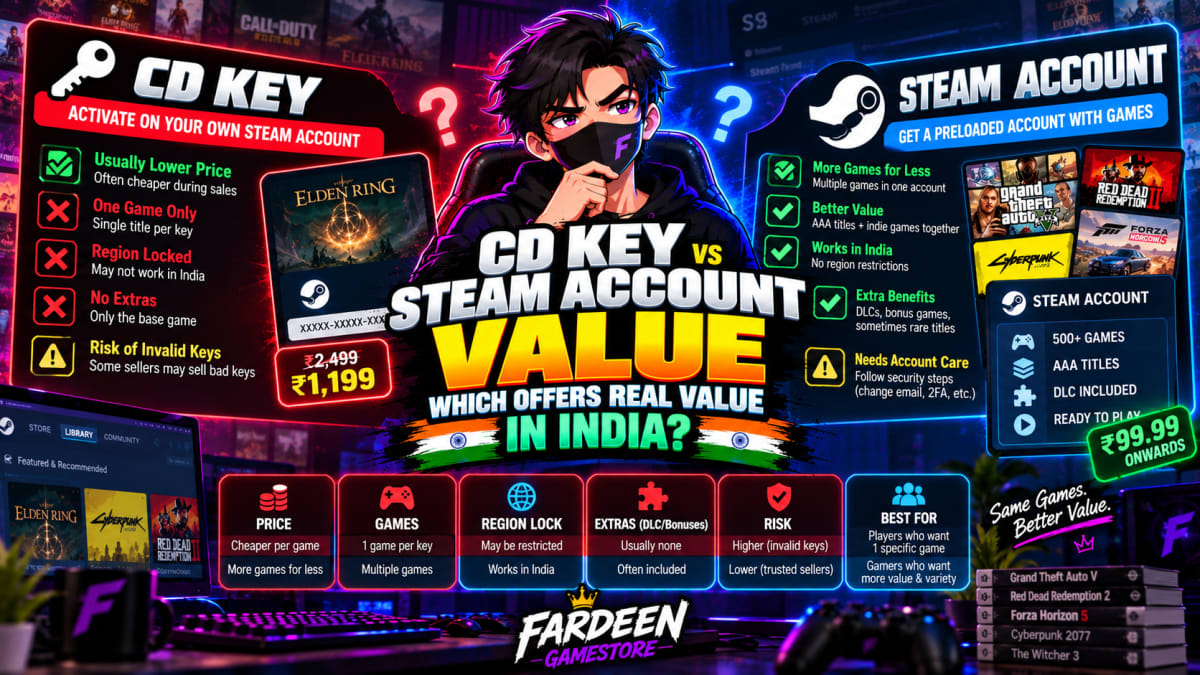
CD Key vs Steam Account Value: Which Offers Real Value in India?
Comparing cd key vs steam account value for Indian PC gamers. See price per hour, multiplayer trade-offs, and key revocation risks before you buy.
You May Also Like

Forza Horizon 6
Engines on and playlists ready 🎶🏎️. **Forza Horizon 6** is gearing up to deliver insane speed, gorgeous locations, and that signature Horizon festival vibe. Pre-order it now from steamgamesbazaar.store — a top spot for cheap PC games — and be ready to hit the road the moment it drops.

Hogwarts Legacy
Step into the magical world of Hogwarts and live the life of a wizard in the 1800s. Cast spells, tame beasts, and uncover ancient secrets hidden within the castle walls. Get it now from steamgamesbazaar.store, one of the best cheap PC games that lets you experience true wizardry and adventure.

Netflix 4K + HDR Plan
Netflix 4K HDR plan allows you to stream movies, TV shows, and Netflix Originals in stunning Ultra HD resolution with support for multiple devices and simultaneous streaming.

Black Myth: Wukong
Black Myth: Wukong is an action RPG based on Chinese mythology, featuring fast-paced combat, stunning visuals, and an immersive story following the Monkey King.

Grand Theft Auto: The Trilogy – The Definitive Edition
Three classics, one chaos-filled bundle 😎. Relive GTA III, Vice City, and San Andreas — now sharper, smoother, and still full of mayhem. Grab it from steamgamesbazaar.store — one of the best cheap PC games for fans of nostalgia, crime, and open-world madness.

EA SPORTS FC 26
FC 26 is back with smoother dribbling, sharper shots, and the same controller-smashing moments we pretend don’t happen 😅⚽. Build your dream squad, dominate Ultimate Team, and flex your skills online. A perfect pick for football fans hunting cheap PC games on steamgamesbazaar.store.