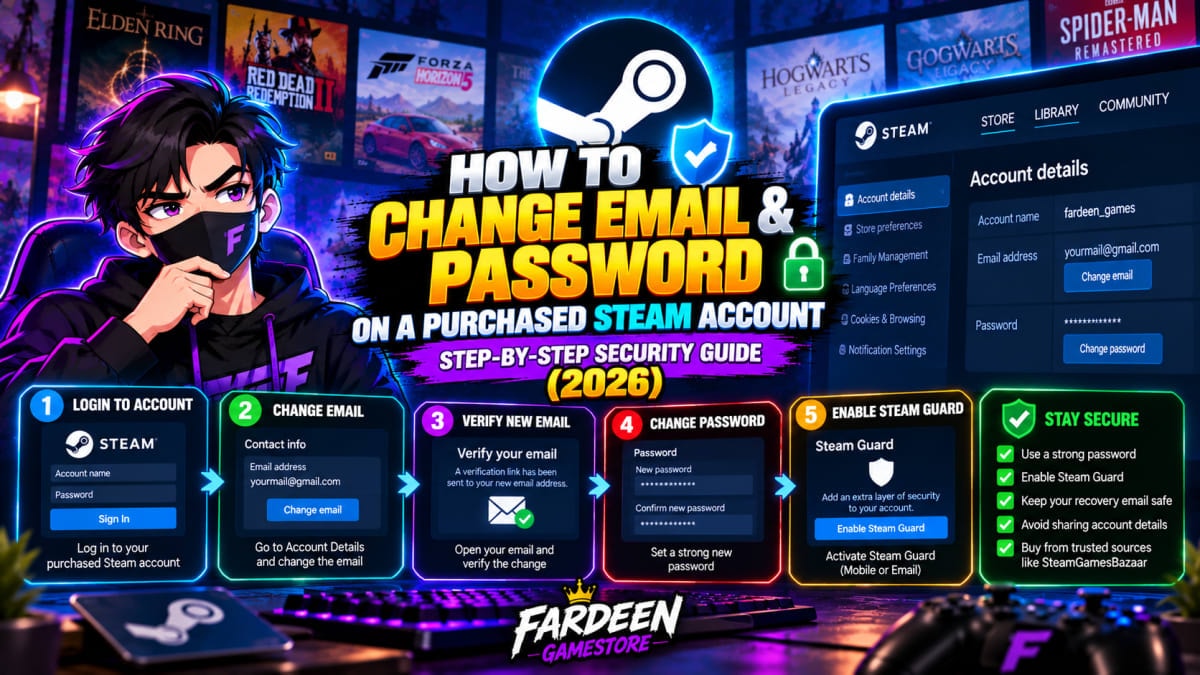
How to Change Email & Password on a Purchased Steam Account (Step-by-Step Security Guide)
Step-by-step security guide to changing the email and password on a purchased Steam account. Learn how to verify ownership, enable Steam Guard 2FA, and protect your digital library.
Short answer: on a full-access account, change the email first, then the password, then sign out every other device. Adding the Steam Guard authenticator on your phone is optional, but we'd do it. The whole thing takes about five minutes. Bought an offline activation game instead? Then skip this guide entirely and don't touch the login.
Offline games: leave the login alone
Offline accounts are shared. Other buyers download their copy from the same login you got, so if you change the password, every one of them is locked out, and your warranty is gone the moment you do it. Log in, install, put Steam in Offline Mode. That's it.
The rest of this page is for personal accounts, the kind where the account itself is yours. Your order page lists three things for those: the Steam username, the password, and a webmail inbox. Steam sends its verification codes to that inbox, so keep the tab open while you go.
Core setup
Step 1: Change the contact email
Email before password, always. Do it the other way round and Steam signs you out halfway, the reset code lands in the temporary inbox instead of yours, and now you're relying on a tab you might already have closed.
Sign in with the details from your order. On the desktop app, click your profile name in the top right and pick Account details; in a browser it's the same menu on store.steampowered.com. Under Contact Info you'll see a link to change your contact email. Steam asks to send a code to the current address first. Say yes.
That code turns up in the webmail tab, usually inside a minute. Five characters. Paste it in, type your own Gmail or Outlook address, submit, and then go to your personal inbox, where a message from Steam is waiting with a Verify Email Address button. Click it. The account is now registered to you. (Code never showed up? Jump to troubleshooting at the bottom.)
Step 2: Change the password
Quicker than step 1. Open Account details again and go to Security (the desktop app also has it under Steam, then Settings, then Security), choose Change password, and enter the code Valve sends. This time it goes to your own inbox. Pick a password you haven't used anywhere else.
Right after steps 1 and 2 a banner appears about a trade and Community Market hold, five to fifteen days long. Ignore it. Valve puts that hold on every account whose credentials change, so a stolen account can't dump its skins the same afternoon, and it has nothing to do with games: downloads, story campaigns, online matches, cloud saves and achievements all carry on normally while the timer runs.
Step 3: Sign out other devices
Anything that was signed in before the account reached you gets kicked out here. In the desktop app, go to Steam, Settings, Security, then Manage Steam Guard. In a browser, Manage Steam Guard sits under Account details. Click Deauthorize all other devices and confirm.
Your current PC stays signed in. Every other browser or computer will need the password plus a Steam Guard code to get back. If you'd already set up the phone app, expect it to ask you to sign in again.
Optional, but worth it: the mobile authenticator
Passwords leak through other sites' breaches all the time. With Steam Guard running on your phone, a leaked password on its own gets nobody in, because each new login needs a code from your handset.
Install the Steam app from the Play Store or the App Store and sign in with your new password. Open the Steam Guard tab, tap Add Authenticator, and enter your number with +91. An SMS code arrives; type it in.
Then Steam shows a recovery code beginning with R. Don't close that screen until you've saved it somewhere that isn't the same phone, whether that's a notebook or a password manager. Lose the phone without it and you're filing a ticket with Steam Support and waiting.
Troubleshooting
The email code never arrives
Spam folder first. The webmail inbox files Steam's mail there more often than you'd think. If it's not there either, Steam's mail may just be slow, which happens a lot during the big seasonal sales, so give it two or three minutes before asking for another code. Repeated requests tend to make things slower, not faster. And if you did request several, only the newest one works; older codes are dead.
Waiting on the verification link in your personal inbox instead? Check you typed the address right. Then check that inbox's spam. Ten minutes and still nothing means it's time to WhatsApp us with your order number.
You lost your phone, or got a new one
New phone, same number: install the Steam app, sign in, and Steam offers to move the authenticator over, confirming by SMS. Easy.
Lost phone but you kept the R code: go to help.steampowered.com, pick the option for a lost or removed Steam Guard Mobile Authenticator, and enter the code. The authenticator comes off, you sign in, and you set it up again on the new device.
Lost phone and no R code? If you still have the SIM, the same help page can verify you by SMS. Without either, it's a support ticket, and those take a while. One more thing: pulling the authenticator off triggers another trade hold. Games still aren't affected.
Problems after deauthorizing
Signed out on your own PC? Sign back in with your password and the Steam Guard code from your email or phone. The phone app asking you to log in again is normal too, and the authenticator stays linked when you do. If Manage Steam Guard doesn't appear in the desktop app at all, update Steam, or just use the browser route from step 3.
Quick questions
Can I share these games with my main profile?
Most of them, through Steam Families. The exceptions are games that push you through a third-party launcher, like EA App, Ubisoft Connect or the Rockstar Games Launcher. Those you play on the account you bought.
Can I change the Steam account name?
No. The login name is fixed for good. Profile name, avatar and profile URL you can change as often as you like.
Still deciding which kind of account suits you? Our preloaded Steam account guide explains the difference. If you want something to play once you're set up, start with these 10 story games under ₹250, or browse the cheap Steam games guide. Every full-access title is on the Steam accounts page.
Get Top PC & Steam Games at 70–90% Off
Looking for the best prices in India? Steam Games Bazaar provides verified Steam & PC accounts with instant delivery, lifetime support, and deals starting at just ₹49.
Related Articles
 Steam Guides
Best Low Spec PC Games India (2026): 8 Tested Budget Laptop Games
Looking for the best low spec pc games india players can enjoy on budget laptops? Here are 8 tested PC games under ₹150 for Intel UHD and Iris Xe graphics.
 Steam Guides
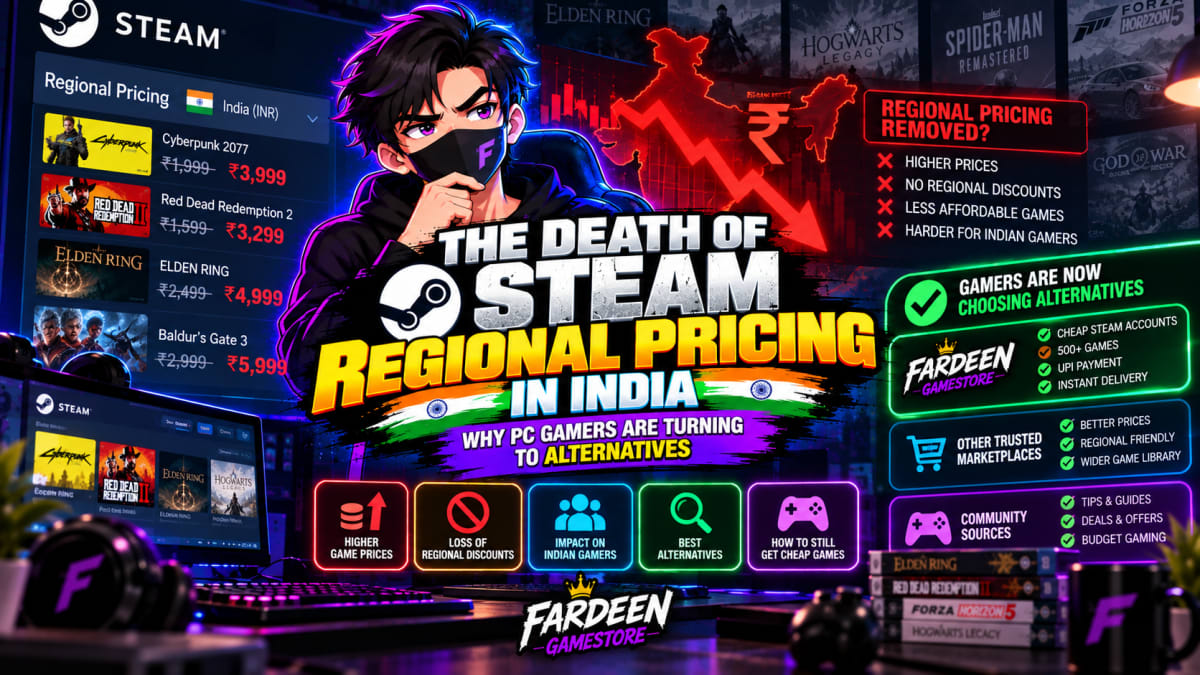
The Death of Steam Regional Pricing in India: Why PC Gamers Are Turning to Alternatives
Why did cheap Steam games disappear in India? An honest breakdown of Valve price recommendation hikes, publisher direct currency conversions, VPN exploitation, and where budget Indian gamers are turning today.
 Steam Guides
How to Buy GTA 5 PC Cheap in India (From ₹99.99 with Story Mode & Online Options)
A complete buyer guide to getting Grand Theft Auto V (GTA 5) on PC in India starting at ₹99.99. Compare offline story accounts, enhanced editions, and full online packages with UPI payment and lifetime warranty.
You May Also Like

Forza Horizon 6
Engines on and playlists ready 🎶🏎️. **Forza Horizon 6** is gearing up to deliver insane speed, gorgeous locations, and that signature Horizon festival vibe. Pre-order it now from steamgamesbazaar.store — a top spot for cheap PC games — and be ready to hit the road the moment it drops.

Hogwarts Legacy
Step into the magical world of Hogwarts and live the life of a wizard in the 1800s. Cast spells, tame beasts, and uncover ancient secrets hidden within the castle walls. Get it now from steamgamesbazaar.store, one of the best cheap PC games that lets you experience true wizardry and adventure.

Netflix 4K + HDR Plan
Netflix 4K HDR plan allows you to stream movies, TV shows, and Netflix Originals in stunning Ultra HD resolution with support for multiple devices and simultaneous streaming.

Cricket 26 - The Official Game of the Ashes
Cricket 26 brings the Ashes heat straight to your PC — big shots, big crowds, and even bigger pressure moments 🏏🔥. Whether you're smashing sixes or desperately trying not to get bowled first ball (we’ve all been there), this is one of the best cheap PC games you can grab on steamgamesbazaar.store for cricket fans.

Black Myth: Wukong
Black Myth: Wukong is an action RPG based on Chinese mythology, featuring fast-paced combat, stunning visuals, and an immersive story following the Monkey King.

Mafia: The Old Country
Mafia: The Old Country is an open-world action-adventure game set in the 1930s, featuring an engaging story, intense combat, and organized crime gameplay.